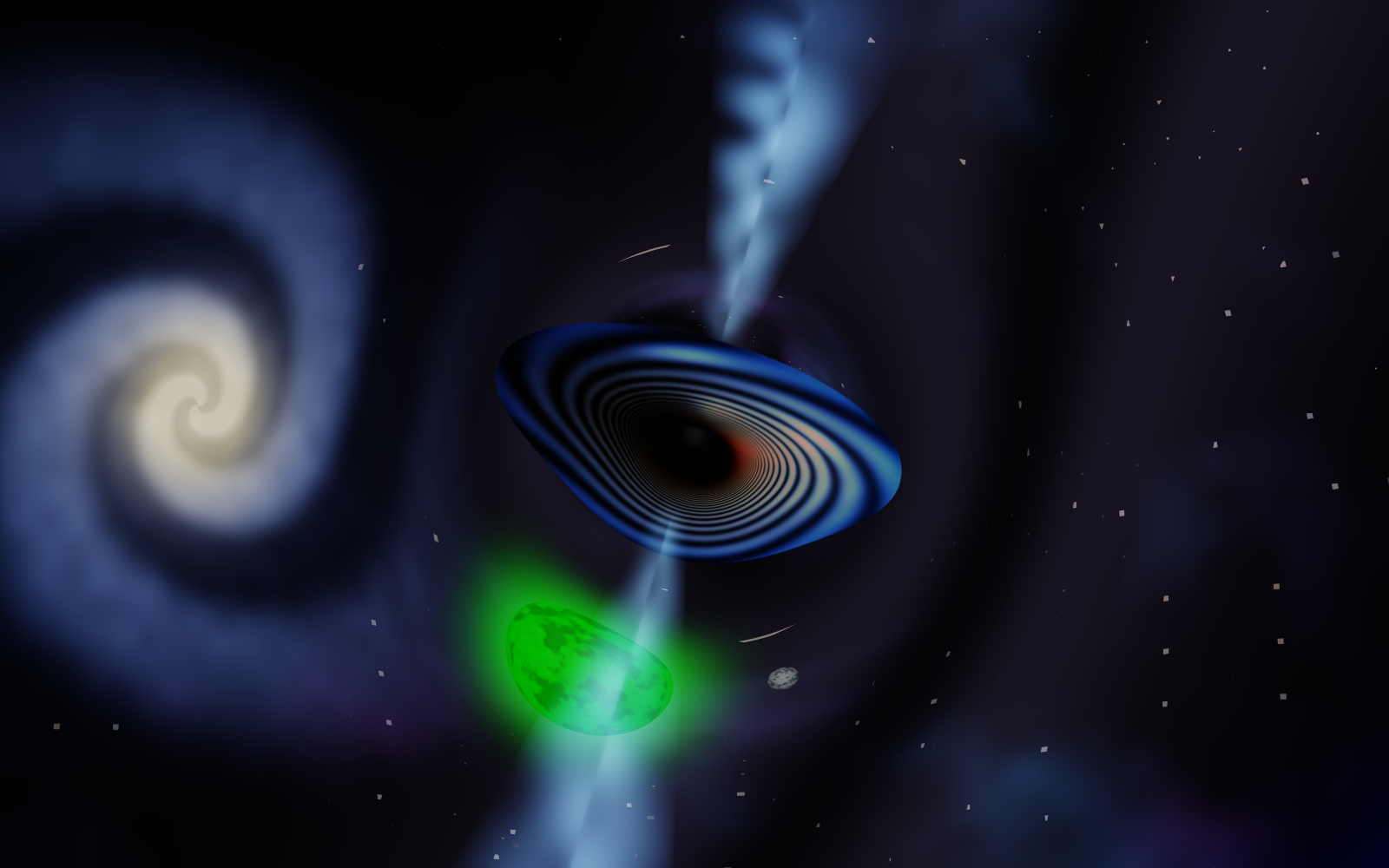
Lensed blue accretion disk arcing over a black hole with relativistic jets and a lensed spiral galaxy
black_hole
Real-time Kerr black hole simulation via GPU geodesic ray-marching — wallpaper, terminal, and headless modes.
OpenGL 4.3 Kerr · Schwarzschild Windows C++ · GLSL
GitHub stars Top language Last commit Repo size
3 run modes
5 color palettes
OpenGL 4.3 compute shader
Kerr + Schw. geodesic physics
ACES · TAA · Bloom post-processing

Demo

Run modes

🪟
Window
Interactive OpenGL window with full keyboard controls — orbit, zoom, tilt the axis, toggle spin, switch palettes in real time.
.\run.ps1
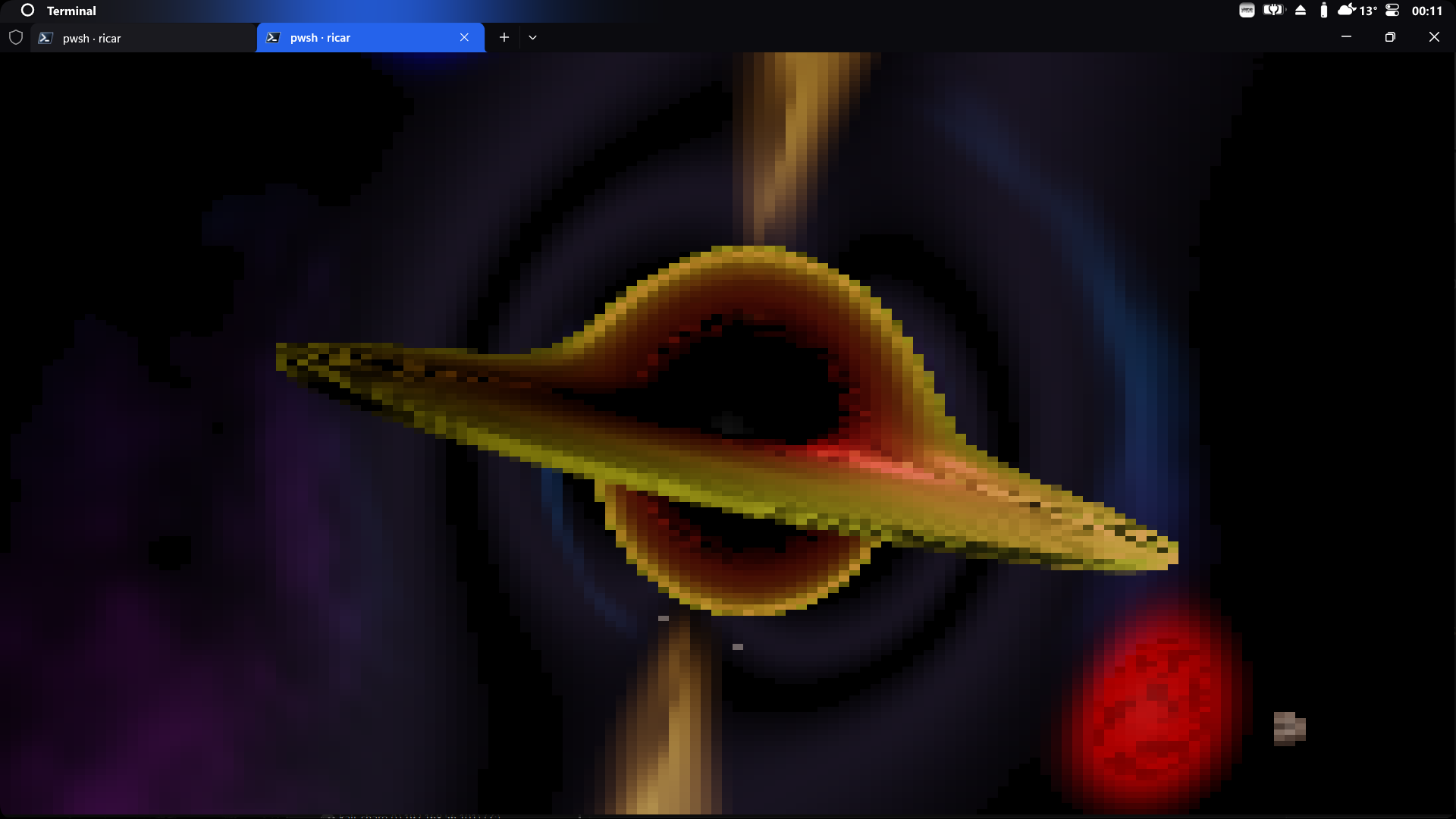
Terminal
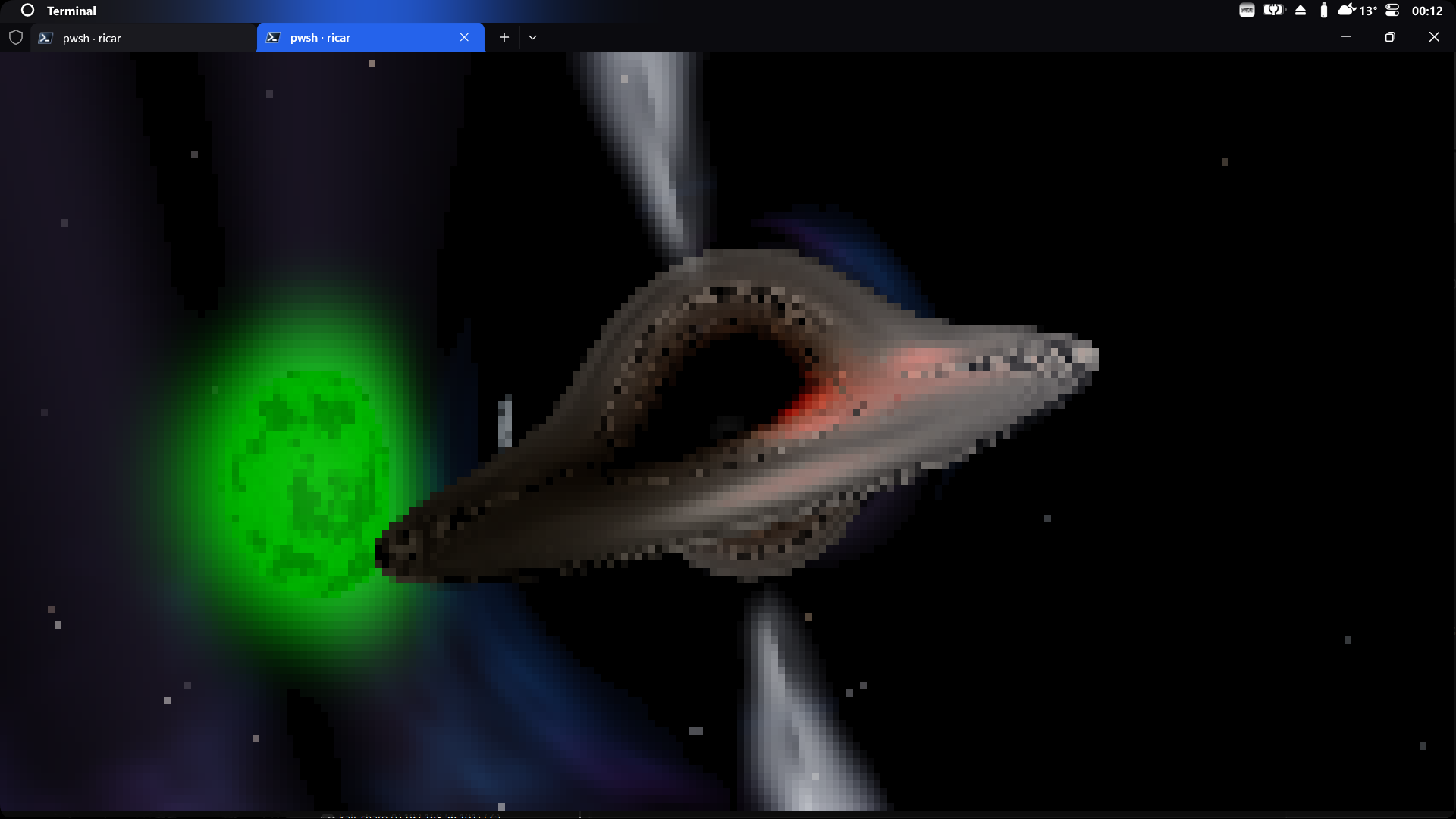
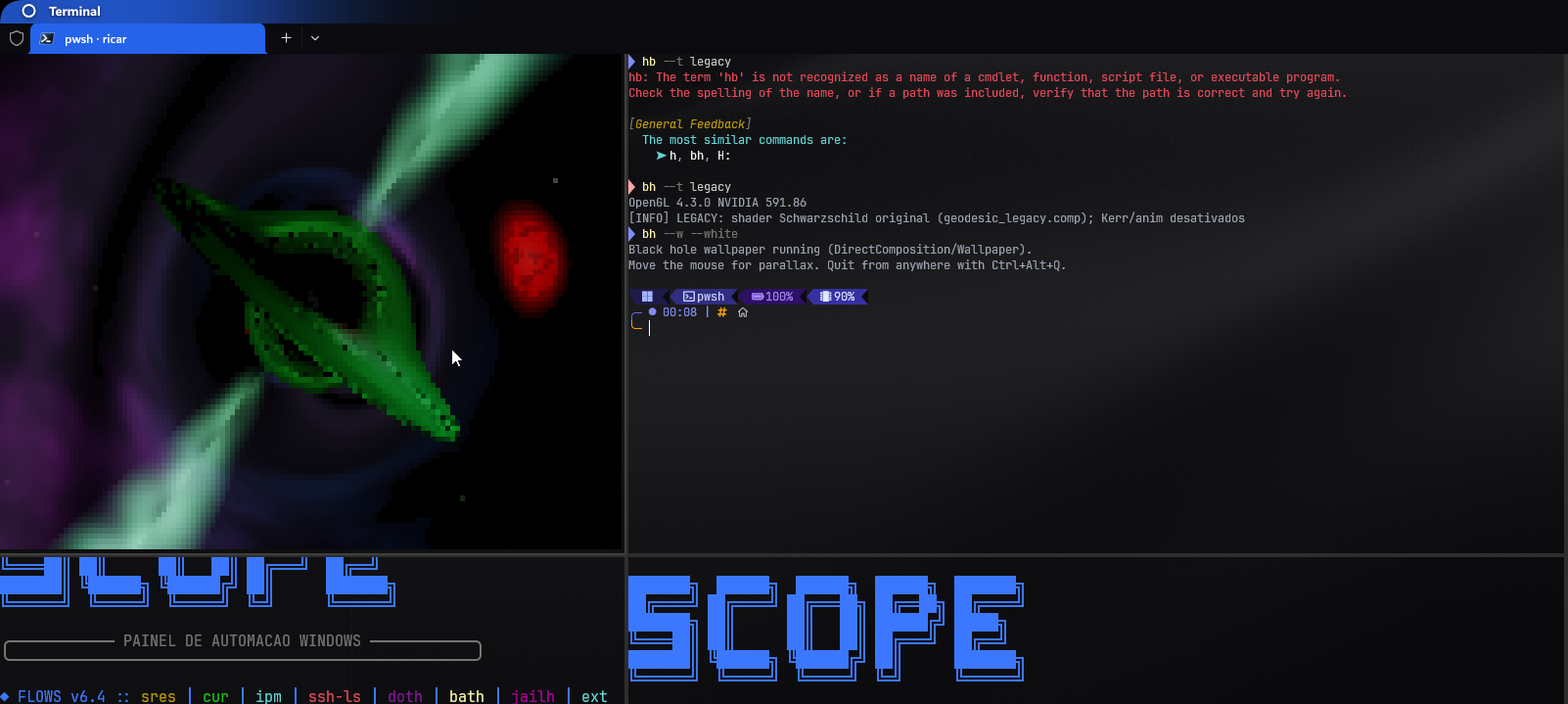
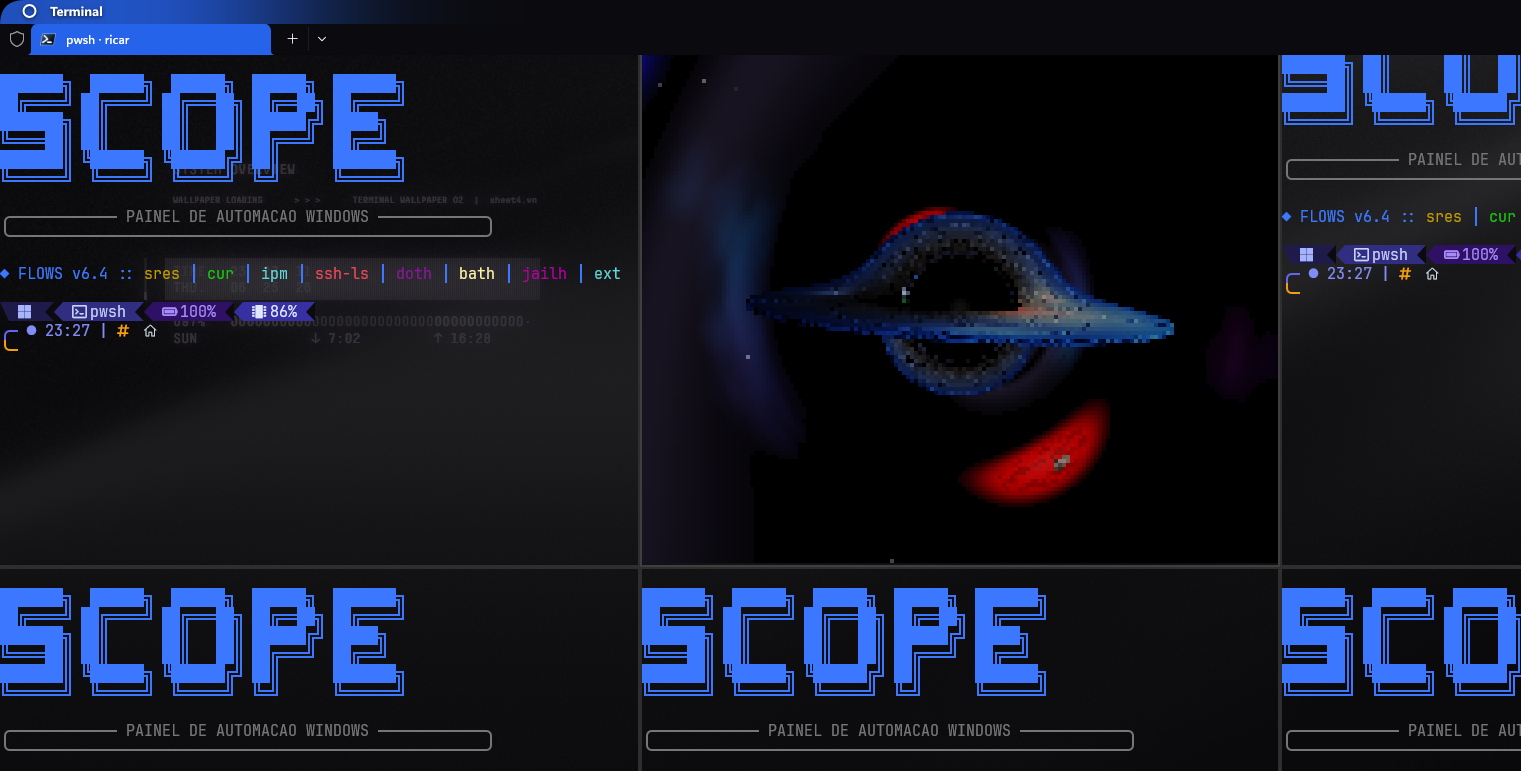
The same GPU pipeline rendered inside the terminal using truecolor ANSI half-blocks. Frame-diff output so only changed cells are redrawn.
.\run.ps1 --terminal
🖥
Wallpaper
Renders live behind the desktop icons via DirectComposition (Win 11 24H2). Mouse parallax. Runs silently — Ctrl+Alt+Q to quit.
.\run.ps1 --wallpaper

Color palettes

Default
Red
--red
White
--white
Blue
--blue
Green
--green

Set via flag on startup, or cycle live in any mode with F. Disk, jets, and meteors all follow the same palette.

What it does

🌀
Kerr black hole
Cartesian Kerr-Schild geodesic integrator with no axis seam. Spin up to a* = 1 — frame-dragging, D-shaped shadow, offset photon ring. Toggle with K.
🛸
Relativistic jets
Blandford-Znajek polar jets appear when spin is active. Color tracks the current palette. Intensity scales with spin parameter.
☄️
Meteors
Transit (flyby comet) and capture modes. Capture shows real spaghettification — the filament stretches, tapers, and redshifts to zero at the horizon.
🌍
Living scene
Orbiting moons, a binary companion, coronae, limb-darkening, granulation, starfield, dust lanes, and a lensed spiral galaxy as an Einstein ring.
🎬
Cinematic mode
Camera flies a looping path: wide → face-on → edge-on dive into the photon ring → recede. Toggle with C or --cinematic.
🎥
Post-processing
ACES filmic tone mapping, temporal anti-aliasing (TAA), and bloom. Headless --render saves a high-res BMP without opening a window.

Quick start

1
git clone https://github.com/devAndreotti/black_hole.git
cd black_hole
.\setup.ps1
2
.\build.ps1
3
.\run.ps1                            # interactive window
.\run.ps1 --terminal                # inside the terminal
.\run.ps1 --wallpaper               # live wallpaper (Ctrl+Alt+Q to quit)
.\run.ps1 --spin 0.9 --blue --anim  # Kerr BH, blue palette, animated

Key controls

Space Pause / resume the simulation
K Toggle Kerr spin — eased, the disk morphs
. / , Fine-tune Kerr spin ±0.1 (eased)
F Cycle color palette
T Tilt BH axis +5° (Shift = −5°)
A Toggle animation (disk + moons)
C Cinematic camera path
R Toggle idle auto-orbit (window)
B Toggle bloom
M Spacetime curvature grid
S Save a screenshot (BMP)
+ / − Zoom in / out
↑↓←→ Orbit camera

The title bar shows a live HUD — current spin, tilt, palette and fps. Most keys work in window, terminal and wallpaper modes; Space, S and R are window-mode.
Requirements

🪟
Windows 10 or 11 (64-bit) Wallpaper mode additionally requires Windows 11 24H2 or later (DirectComposition)
GPU with OpenGL 4.3 support NVIDIA GTX 600+, AMD Radeon HD 7000+, or Intel HD 4000+ (2012 or later). Keep your driver up to date.
📦
No system installs setup.ps1 downloads everything into .deps\ — no admin, no vcpkg, nothing system-wide.